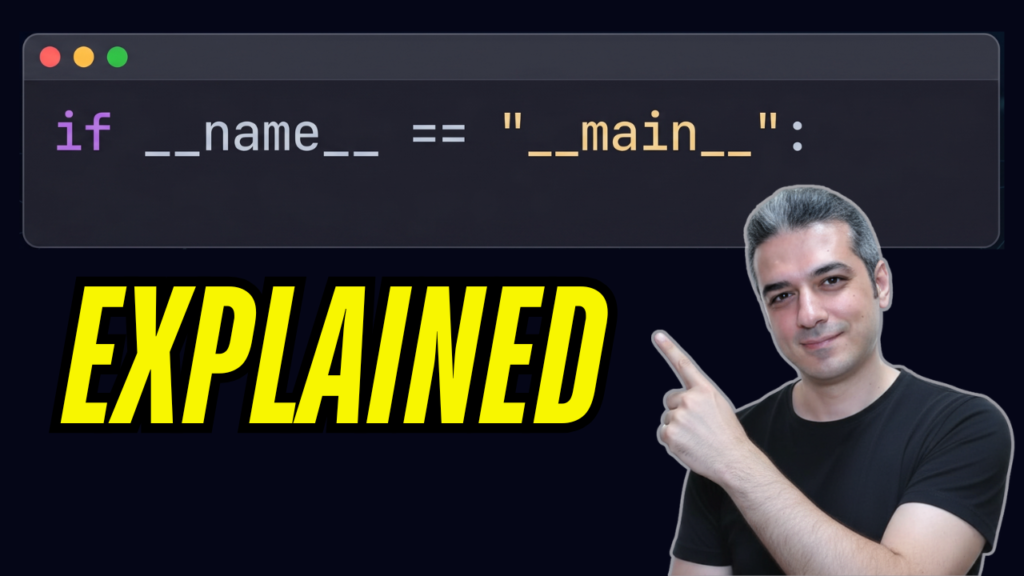
If you are learning Python, you have absolutely seen this line of code. It sits at the bottom of files, full of double underscores and looking like “alien syntax.” Usually, tutorials just tell you to “paste it and don’t worry about it.”
Today, we are going to worry about it.
This single line of code is one of the most powerful tools in Python. It is a gatekeeper. By the end of this post, you will understand exactly how it works, why professional engineers use it in almost every script, and how it prevents your code from executing when you don’t want it to.
The Mechanics: Python’s Hidden “Name Tag”
To understand the gatekeeper, you first have to understand a secret built into Python. Whenever you run a Python file—before your code even executes—Python silently creates a few hidden variables in the background. One of those variables is __name__.
Think of it like a name tag that Python slaps onto your file. But here is the trick: Python writes different things on that name tag depending on how the file is being used.
There are only two ways a Python file gets used:
- Scenario A: Direct Execution You run the file directly. You open your terminal, type
python script.py, and hit enter. When you do this, Python says, “This file is the star of the show. It is the main event.” It sets the value of the name tag to the string"__main__". - Scenario B: Importing as a Module You are working in a totally different file and you type
import scriptat the top because you want to borrow some functions. When you do this, Python says, “This file is just a guest acting as a module.” It sets the name tag to the actual file name—in this case,"script".
Why the Gatekeeper Matters
This matters because of a fundamental rule: When you import a file, Python immediately executes all the code inside that file from top to bottom.
Imagine you write a file called calculator.py. You write a great function to add numbers, and at the bottom, you add a print statement to test it out: print(add(5, 5)).
The next day, you start a new project and import calculator. The second you run your new project, your console spits out 10. You didn’t ask for that; you just wanted to borrow the function! But because Python executes everything on import, your test code ran automatically. If that code was doing something heavy—like deleting files or pulling massive data from a database—you would have a serious bug on your hands.
Opening the Gate
This is exactly where our gatekeeper steps in. We take our test code and indent it under this if statement:
if __name__ == "__main__":
    # Your execution code here
    print(add(5, 5))
Read it like plain English. It is asking Python: “Is the name tag of this file set to ‘main’?” * If you run the file directly: The answer is Yes. The gate opens, the code runs, and you get your test printout.
- If you import the file: The name tag is different. The
ifstatement evaluates to False, the gate slams shut, and the test code is completely ignored.
Pro-Level Patterns: How to Use it Like a Senior Engineer
If you want to write code like a senior engineer, don’t stop at the basics. Here are three ways to level up this exact pattern.
1. Encapsulate Your Logic
Don’t just dump your execution code directly under the if statement. In Python, variables defined inside an if block can still “leak” into the global module scope. Instead, keep the checkpoint clean by moving your logic into a dedicated main() function.
def main():
    # Strict scope protection
    print("Doing something important...")

if __name__ == "__main__":
    main()
2. Report System Status
If your script runs inside a data pipeline or an automated testing suite, the system needs to know if it actually worked. Wrap your call in sys.exit().
import sys

if __name__ == "__main__":
    sys.exit(main())
This ensures your script reports the correct exit code. A 0 means success, while any other number (like 1) signifies a failure. It’s a tiny detail that saves hours of debugging in production.
3. Executable Packages
What if your project scales up and you aren’t just running a single file, but an entire directory? You can turn a whole folder into an executable program by adding a file named __main__.py. This acts as the master entry point for the entire package.
Bonus Tip: The Single Underscore _
Since we are talking about underscores, you might occasionally see a single underscore used like this: value, _ = some_function().
Single underscores aren’t magic; they are a developer convention. It tells whoever is reading your code: “I am required to unpack this value from the function, but I am intentionally throwing it in the trash.”